Description
Build Your Own UV DTF Gangsheet Online
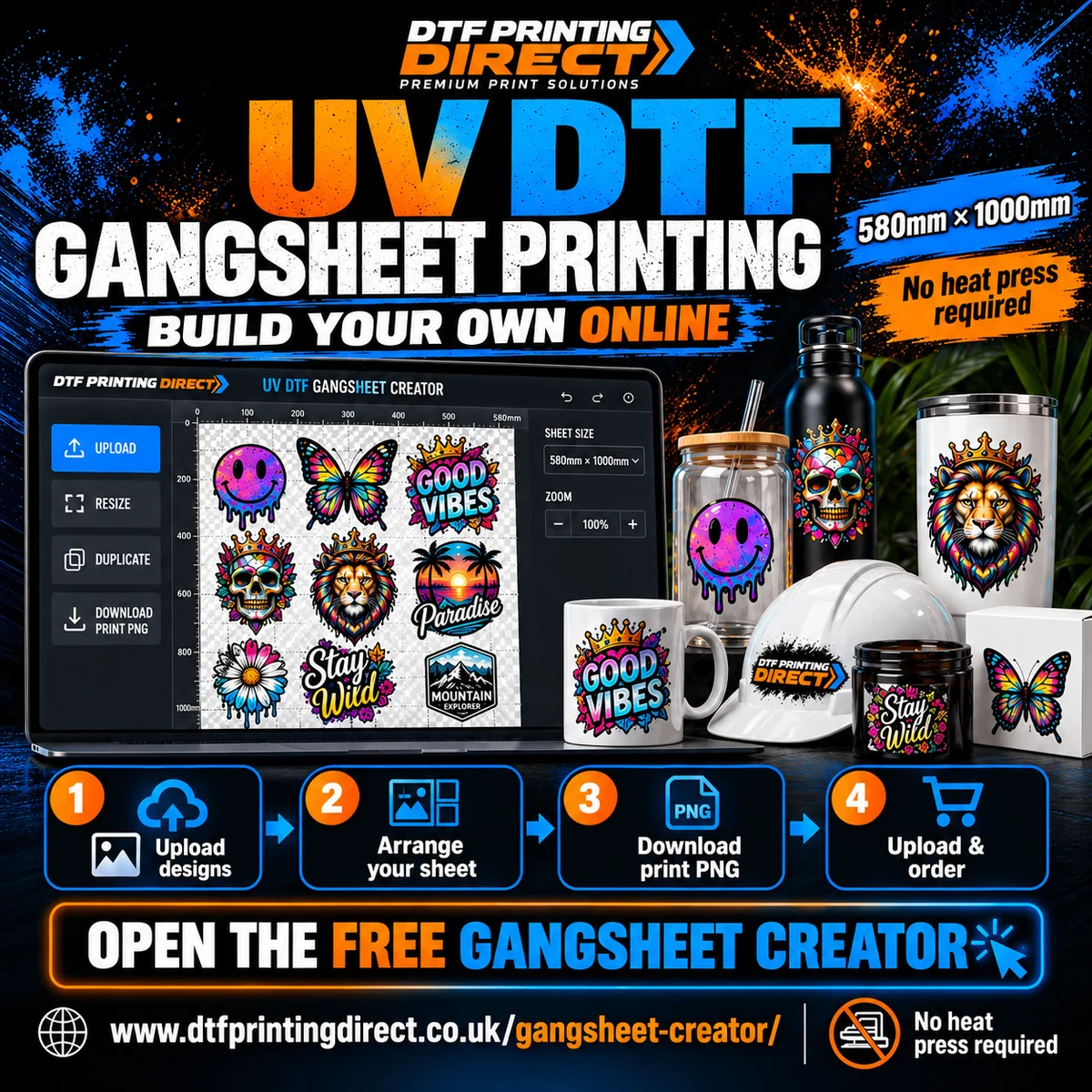
Have individual logos or designs but need to arrange them into a print-ready sheet? Use the free DTF Printing Direct Gangsheet Creator, then order your finished UV DTF print through this product.
Open the free gangsheet creator ↗
The creator opens in another tab so you can return to this product when your print file is ready. Using the creator is free; the printed UV DTF sheets are purchased here.
Step 1 — Start with the correct sheet size
In Sheet Size, choose a one-metre sheet for a 580mm × 1000mm layout. The print width stays at 580mm. The tool also offers a two-metre layout; if you use it, order two metres per printed copy and confirm the file arrangement if unsure.
Step 2 — Upload your designs
Use Upload Artwork / Choose Files to add sharp individual designs. The creator accepts the formats listed in the tool, including PNG, JPG, WebP, SVG, PDF and PDF-compatible AI.
Transparent PNG is a useful starting choice. If you use the background remover, inspect the edges, small lettering and fine details afterwards. The checkerboard or coloured canvas is a preview background, not artwork you should include in the print.
Step 3 — Set the sizes and arrange the sheet
- Set each design’s intended width and height using the centimetre size controls.
- Keep proportions when resizing so artwork does not stretch.
- Duplicate logos or use Create Exact Quantity, Auto Fill Sheet or Smart Pack Artwork as appropriate.
- Leave enough space to cut designs apart. Keep important artwork within the sheet and safe area.
- Review the finished quantity, sizes, spelling, background transparency and any image-quality warnings.
Step 4 — Download the production file
Click Download Print PNG. Review the final print check, then select Standard PNG or Smaller PNG. Both preserve the rendered print pixels and transparency; Smaller PNG can take longer.
Wait for export to complete and save the resulting PNG to your device. Save Editable Project is for reopening your layout later; it is not the print file and must not be uploaded with your order.
Step 5 — Return here, upload and order
- Return to this product page after saving the print PNG.
- Upload the exported PNG using this product’s artwork field.
- Enter the correct metre quantity. One copy of a one-metre layout needs quantity 1; three copies need quantity 3. One copy of a two-metre layout needs quantity 2.
- For several different layouts, add separate basket items with the matching uploads, or contact us to agree the file arrangement.
- Check the current price and complete checkout with an available delivery or collection option.
The creator does not submit your order automatically. You must download the print file, upload it to the product and complete checkout.
Artwork checklist before ordering
- Correct print width and total layout length.
- Sharp source artwork, ideally 300 DPI at final design size.
- No unwanted white boxes, stray pixels or missing details.
- Correct logo dimensions, spelling, counts and cutting space.
- Normal viewing direction — do not mirror.
- Upload the print PNG, not a screenshot or editable project.
Already have a finished print-ready gangsheet?
You can use UV DTF by the Metre – Upload Your Own Gangsheet instead. The creator is optional when your layout is already complete.
About your UV DTF transfers
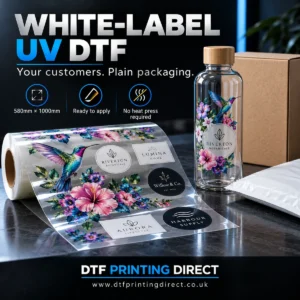
Your order supplies printed transfers for suitable smooth hard surfaces. No heat press is required. Cups, bottles and other display items are not included. Test unfamiliar materials and follow the supplied application and care instructions; do not assume dishwasher or chemical resistance.
FAQs
Is the creator free?
Yes. Creating a layout is free. Printing and any delivery charges are paid when you place your order.
Does it add my layout to the basket automatically?
No. Download the print PNG, return to this product, upload it and place the order.
Can I keep editing later?
Use Save Editable Project for your own backup, then open that project in the creator. Export a fresh print PNG after making changes.
What if an image looks blurry?
Use a higher-quality original or reduce the printed size. Enlarging an image or ignoring a warning does not improve its source detail.
Reviews
There are no reviews yet.